Run Sauda in your browser
Nothing to install. Open the web app on any laptop or PC for the full back-office — reports, imports and settings. Install it as a desktop shortcut (PWA) and it even works offline after the first load.
Works in Chrome, Edge, Safari and Firefox.
The POS in your pocket
Sauda for Android is the fastest way to sell. Scan barcodes with the camera, record udhaar at the counter or on delivery, and keep selling with no signal at all.
Android 8.0+
Built for the counter PC
A fast, offline-first desktop app for Windows. Perfect for the till — pair it with a USB barcode scanner and a receipt printer for a proper checkout that never depends on the internet.
Windows 10/11 (64-bit)
What you get, free
The same complete app on every platform — nothing locked behind a paywall.
₨0, no subscription
No monthly fee, no per-user charge, no credit card. Just download and start.
Every feature included
POS, accounting, inventory, khata and payroll — the full app, on all three platforms.
Your data stays yours
Encrypted, isolated to your business, and exportable anytime. We never sell your data.
A peek before you install
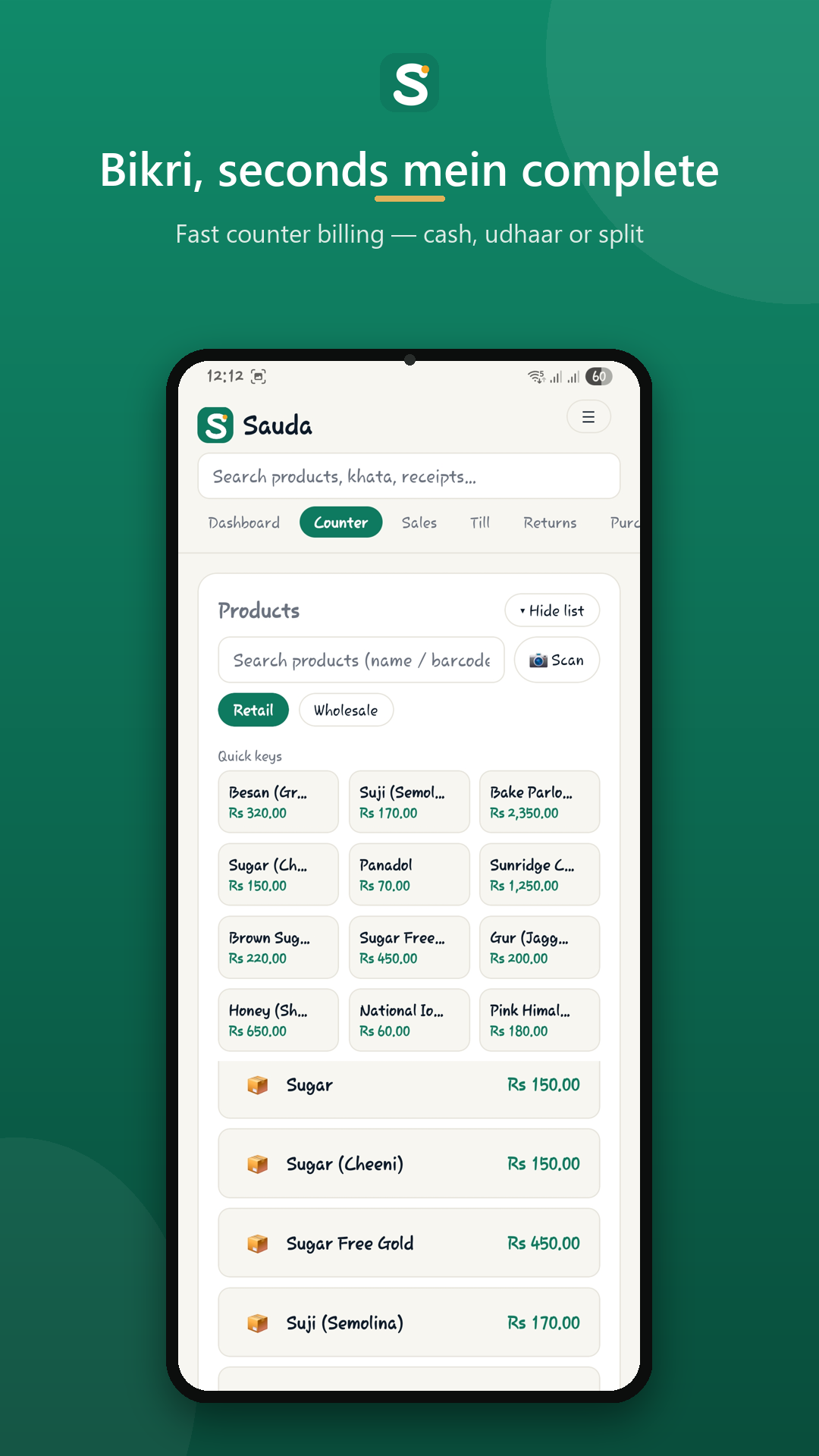
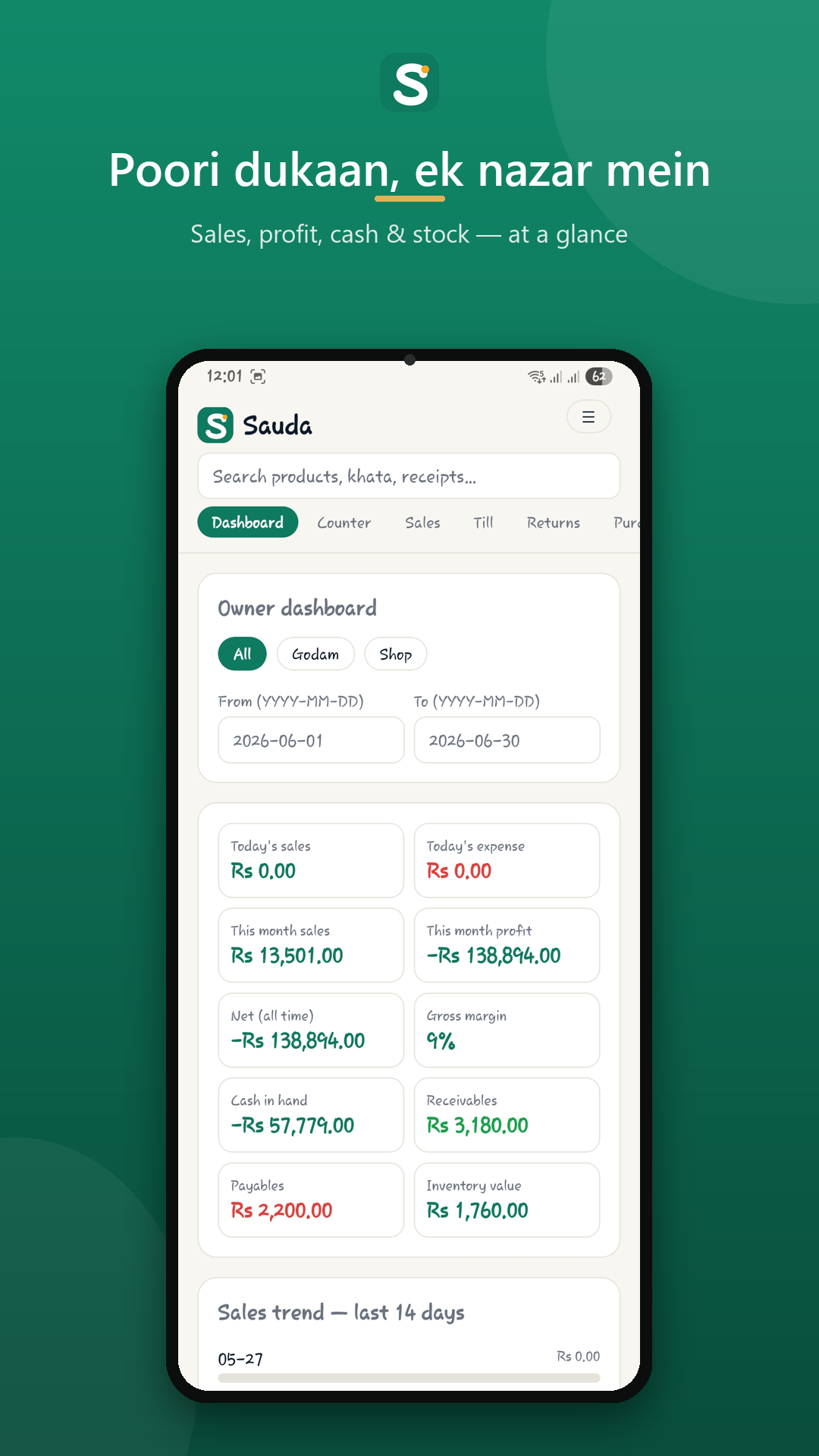
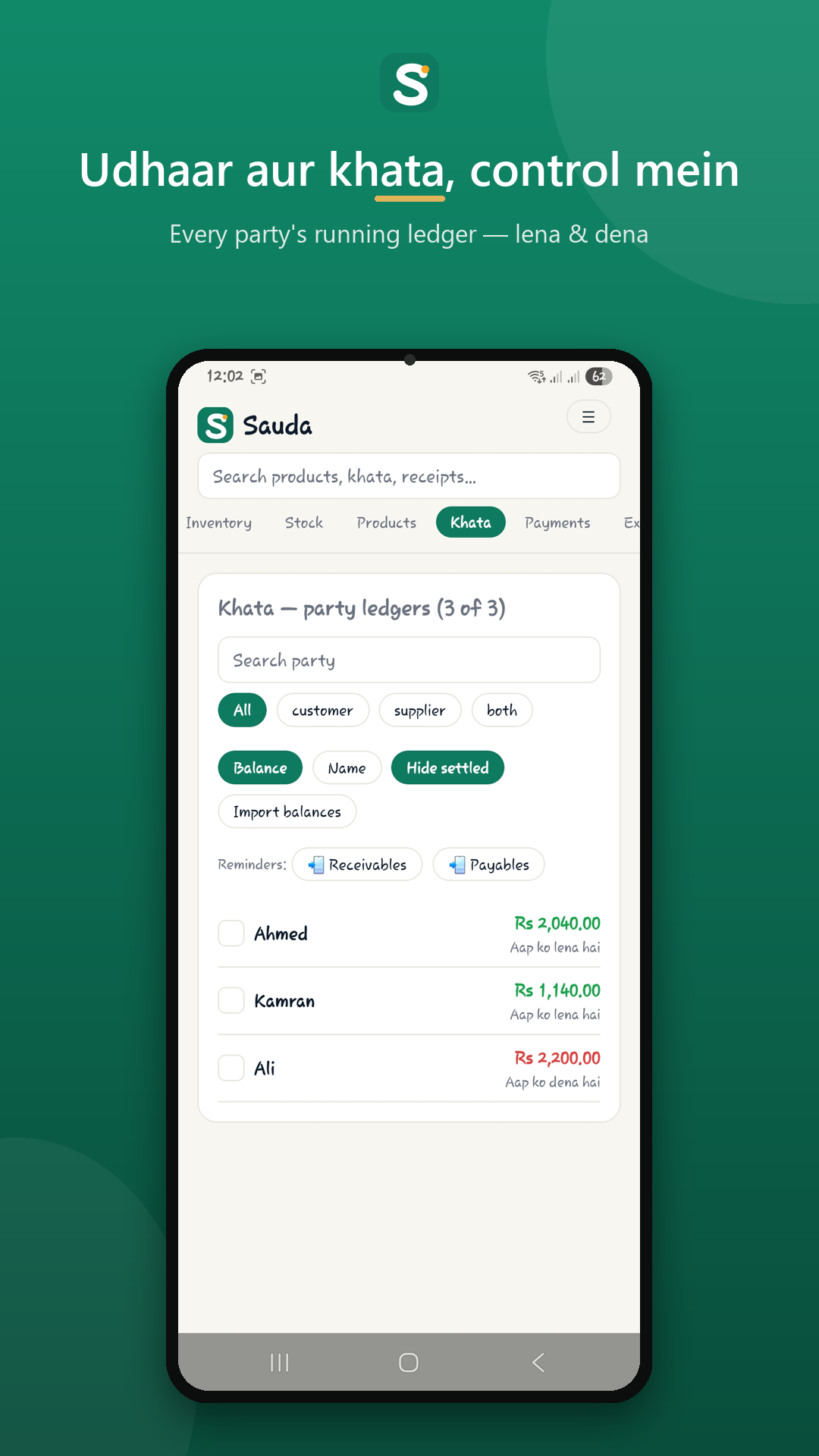
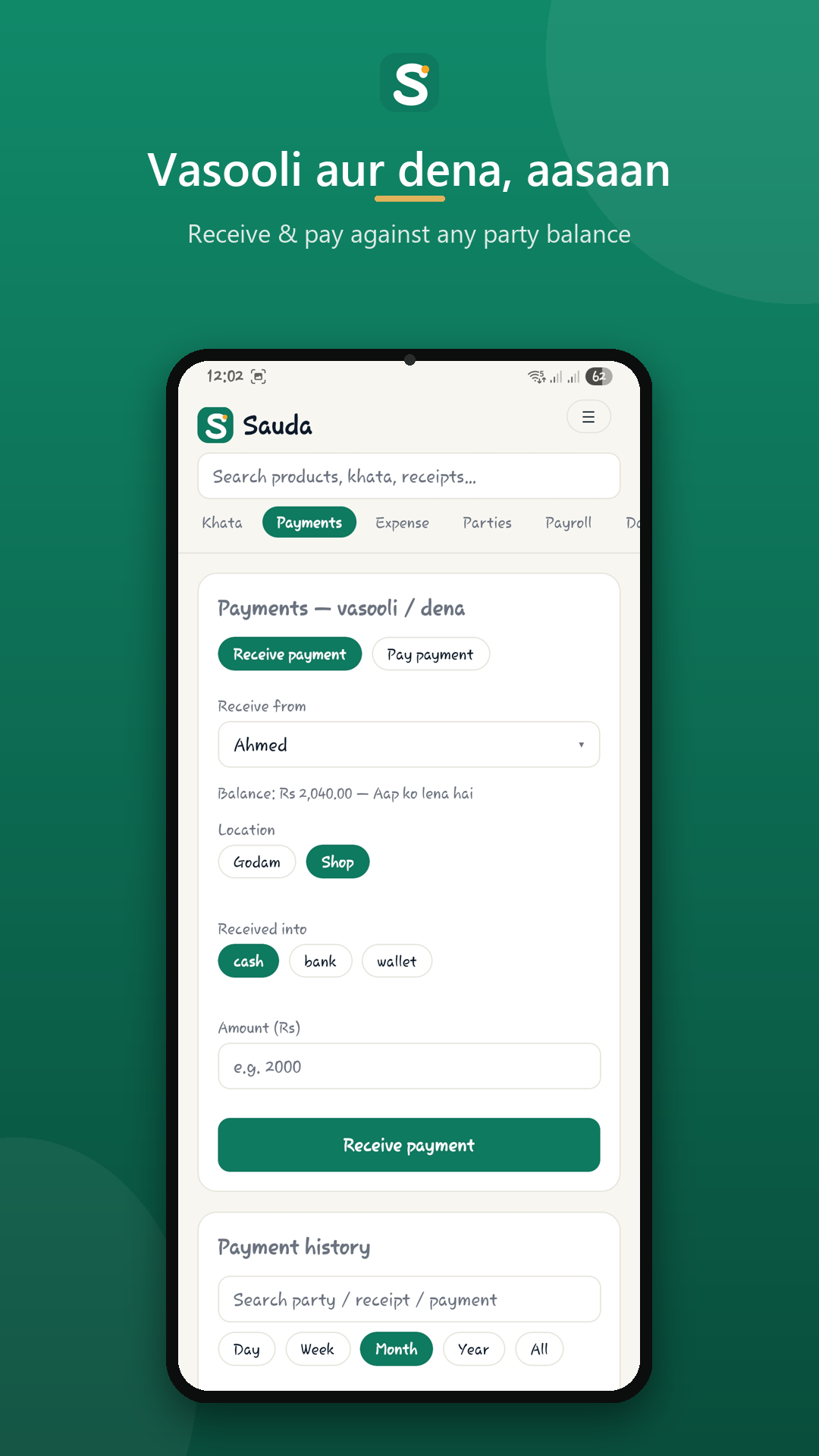
Download & install questions
Is Sauda free to download?
Yes. Every platform — web, Android and Windows — is free, with no subscription and no card. The full app is included on all three; nothing is locked behind a paywall.
Which Android version do I need?
Sauda runs on Android 8.0 and above. Install it from Google Play and sign in with your phone number to get started.
What are the Windows requirements?
The desktop app runs on 64-bit Windows 10 or 11. It is built for the counter PC and works with a USB barcode scanner and a receipt / thermal printer.
Do I need internet to install or use it?
You need a connection for the first download and sign-in. After that Sauda is offline-first — every sale, bill and ledger entry saves on the device immediately and syncs in the background whenever you are back online.
Can I use one account across web, mobile and desktop?
Yes. One free account works on all three. Your products, sales and khata stay in sync, so the counter PC, the owner’s phone and the back-office laptop all show the same numbers.
Is there an iPhone (iOS) app?
Not yet — Sauda is on Android, Windows and the web today. On an iPhone you can still use the full web app in Safari, and add it to your home screen for quick access.
Your shop, fully digital — today.
Install Sauda, import your products, and make your first sale in minutes.