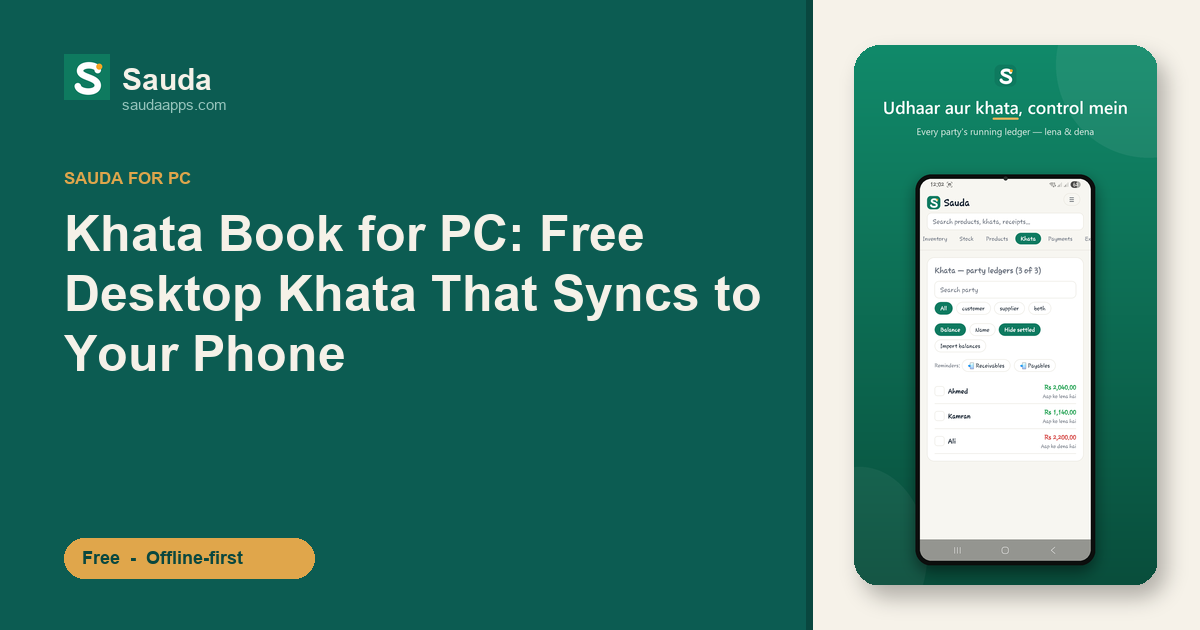
Khata Book for PC: Free Desktop Khata That Syncs to Your Phone
A cloth merchant in Faisalabad's Rail Bazaar keeps two things on his counter: a bahi-khata thick with names, and a phone that pings all day. The phone is fine for a quick lena-dena check. But when he sits down after Maghrib with 40-odd udhaar entries to reconcile, squinting at a 5-inch screen and thumbing through 200 party names? That's where it falls apart.
A big keyboard, a proper screen, a mouse. That's why so many dukandars want their khata on a PC. Faster typing, everything visible at once, and the counter computer stays put even when the phone walks out the door in someone's pocket.
Why the counter PC beats thumbing through your phone
Entering udhaar on a phone is fine for one or two entries. Doing a full day of billing and party updates on it is slow and error-prone.
On desktop you get a real keyboard for fast entry, a wide screen that shows the whole party ledger at once, and a machine that sits at the counter all day. A wholesaler whose salesperson bills 150 customers before lunch feels that difference in real minutes saved and fewer wrong entries.
Sauda runs as a proper Windows desktop app. Not a website you have to keep logged into, not a phone app squeezed onto a big screen. You install it on the counter PC and it works.
Free, and offline-first — both matter here
To be fair, you have other choices. Udhaar Book and Digi Khata both offer PC or web access, so a khata book for PC isn't something only Sauda does. Fair enough.
Where Sauda is different is what you get in one app, for free, forever. No monthly fee. No card. No "free trial that ends." The khata, the billing, the stock — all of it, no subscription.
And it's built offline-first. When the net drops at 3pm or load-shedding kills your router, the app keeps working. Every sale, every udhaar entry, every payment saves straight to the PC. Nothing freezes, nothing waits for a signal. When the internet comes back, it syncs quietly in the background. A lot of "cloud" khata apps go dead the moment your connection does. Sauda doesn't, because it stores everything on your PC first and treats the internet as optional, not required.
Your PC and your phone, same khata
Here's the part shopkeepers underrate until they see it.
Install Sauda on the counter PC and also on your Android phone. Sign in with the same account. Now they share one khata. Your cashier bills a customer for Rs 4,500 on the PC, half of it udhaar; the entry shows up on your phone before you've reached home. You mark a supplier payment on your phone at the godam, and the accountant sees it on the desktop.
The auto-sync between desktop and mobile means you're never stuck at one machine. The web version works too, so a mobile-shop owner in Karachi Saddar can check his hisaab from any browser while he's out sourcing stock. One set of numbers, everywhere. No more "which device had the latest entry."
More than a khata — the whole dukan in one app
A khata book that only does lena-dena solves one problem. Sauda handles the rest of the shop in the same place.
Billing runs off point-of-sale with barcode scanning. For items that don't have a barcode, it auto-generates a valid EAN-13, so even loose local stock gets scanned instead of typed.
Inventory works across multiple shops and godams. You get low-stock warnings and item-level expiry alerts, so a medical store owner catches a strip nearing its date before it turns into dead stock.
Underneath that simple selling screen, real double-entry accounting is running. That's what gives you a roznamcha (day book), profit reports, and party statements you can actually trust. There's basic payroll for staff, and roles for owner, manager, cashier and accountant so everyone sees only what they should.
Tax stays off unless you switch it on. No FBR integration, no forced sales-tax fields cluttering the counter. Just the plain khata-and-billing screen a dukandar wants.
The UI is in Urdu and Roman-Urdu, with an English toggle. "Aap ko lena hai / dena hai" reads the way you'd say it, not translated from some foreign template.
Get started
Install Sauda on your Windows PC, add the Android app, and sign in once on both. Your khata, billing and stock stay in sync across every device.
Download Sauda free and set up your desktop khata today. No subscription, no card — bas dukan chalao.