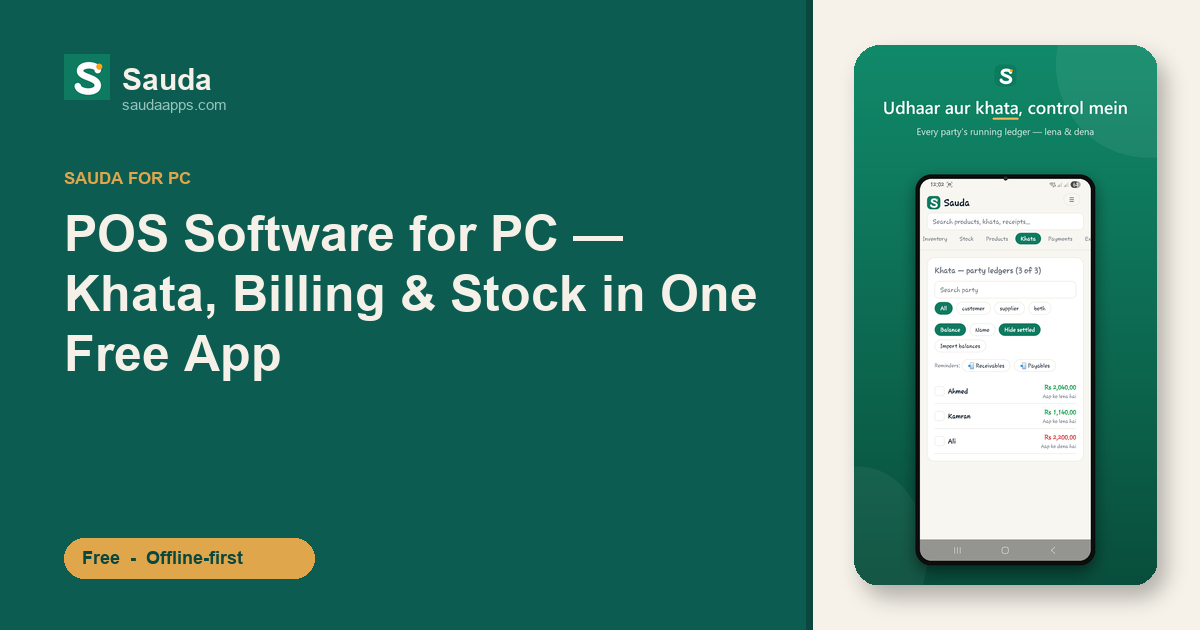
Picture the counter at a mid-size karyana store in Faisalabad on a busy Saturday. The bright screen faces the customer, a scanner sits by the till, and the shopkeeper's real accounts are still living in a fat register under the drawer. Billing happens on the PC. Udhaar gets scribbled in the bahi-khata. Stock is "in the owner's head." Three systems, none of them talking to each other.
So at 9pm, shutter half-down, you're cross-checking the till against a page of scribbled udhaar and guessing what's running low. That's where an hour of your night disappears. Most POS billing tools for the counter PC only handle the first part. They print a receipt and stop.
What "all-in-one" should actually mean
When people search for pos software for pc, they usually mean the billing screen. Fair enough, that's the loud part of the job. But a dukan runs on four things at once: selling, hisaab, stock, and who owes whom.
Sauda puts all four in one free app on your Windows desktop.
- Billing (POS): scan or search, add to the bill, take cash or mark it udhaar, print. Barcodes work, and if a product has no barcode, Sauda auto-generates a valid EAN-13 so you can still label and scan it.
- Khata / udhaar: every credit sale drops straight into that party's ledger. Lena and dena stay current without a second entry in a paper book.
- Stock across shops and godams: one catalog, real counts, low-stock alerts, and item-level expiry warnings so a general store stocking milk and dahi, or a medical store, doesn't get stuck with dead stock.
- Accounts underneath: proper double-entry runs quietly in the background, feeding a roznamcha (day book) and profit and party reports you can actually trust at closing time.
You ring up a sale once. The bill, the khata, the stock count, and the day's accounts all update from that single tap. No double entry, no end-of-day reconciliation between three notebooks.
Free, and your data stays yours
Let's be honest about the market. Other khata and billing apps run on a PC too, and some shopkeepers get by fine with them. The difference here is breadth and price: Sauda bundles POS plus khata plus inventory plus accounts, free, in one offline Windows app.
Free means free. Not a 14-day trial, not "free for 50 invoices," not free until they switch on a wallet or a loan product. No subscription, no card asked for at sign-up. And no catch in the fine print either — your data stays yours, exportable when you want it, with no loan or wallet pushed on you later. For a shop working on thin margins, a monthly software bill is one more fixed cost you don't need, and one more reason to distrust the app holding your numbers.
Most cheap billing tools give you the counter screen, then charge extra the moment you want stock reports or a second user. Sauda gives you the whole thing without unlocking "premium tiers."
When the bijli goes, does your POS?
Here's the part that separates a proper desktop POS from a browser tab pretending to be one.
Sauda's Windows app is offline-first. It writes every sale, every udhaar entry, every stock change to your PC first, then syncs to the cloud when the internet comes back. Bijli chali gayi, net aata-jaata reh raha hai, the connection is crawling — none of it stops a sale. The bill still prints. The khata still updates.
When connectivity returns, everything syncs on its own. A 300-item product list imports in about a minute, so you're not stuck typing your catalog in by hand. And because Sauda also runs on Android and the web, the same shop data shows up on your phone. Owner checks the day's profit from home, the cashier bills at the counter, the accountant pulls party reports — all looking at one synced set of numbers. Set that up once in multi-user roles (owner, manager, cashier, accountant) and everyone sees exactly what they should.
Setting it up on your counter PC
You don't need special hardware or a machine from a vendor. If you already have a Windows PC at the till and a normal barcode scanner, you're most of the way there.
- Download Sauda for Windows and sign in with your phone number.
- Import your product list, or add items as you sell — the catalog fills in fast either way.
- Set your parties, opening udhaar balances, and shop/godam locations.
- Start billing. Watch the roznamcha and stock update on their own.
One honest note so there are no surprises. Sauda is built for retail and wholesale shops — karyana, hardware, cloth, mobile and electronics, general and medical stores. It doesn't do restaurant table management or KOT screens, and there's no pre-loaded medicine database or FBR tax integration. Sales tax stays off by default; the fields are there if you ever choose to switch them on. Compare that to our best khata app comparison if you want the fuller picture. What Sauda does, it does properly — offline, for free.
Bring your whole shop onto one screen
If the billing PC and the bahi-khata have been living separate lives, this is the fix. Selling, udhaar, stock, and accounts in one place, working with or without internet, syncing to your phone, and costing you nothing.
Download Sauda free for Windows and run your next sale through it today. See the whole day's hisaab in one place before you pull the shutter down.