It's 8 in the evening at a mobile shop off Hall Road. The counter PC is on, the day's udhaar is scribbled on a register, and the owner wants to punch it all into the computer before he heads home. He searches for a cash book app for PC and the whole first page tells him to install BlueStacks, then run an Android app inside it. On a shop machine that already stutters when three tabs are open.
That advice is how most people end up here. And it's the wrong answer.
An emulator is not a real PC cash book
Here's what "run the Android app on your PC" actually means. BlueStacks (or any emulator) boots a fake Android phone inside a window on your computer. Your khata app runs inside that fake phone. So you have a phone, pretending to be a phone, sitting on top of Windows, just to add a lena-dena entry.
In a busy dukan that falls apart fast:
- Emulators eat 2-4 GB of RAM. The same counter PC also runs your billing, maybe a browser, maybe a printer utility. It slows to a crawl.
- Touch apps stretched onto a mouse-and-keyboard screen feel clumsy. Tiny buttons, awkward scrolling, no proper keyboard entry.
- When Windows updates or the emulator updates, the whole thing breaks and your hisaab is stuck inside it.
- Your USB barcode scanner and receipt printer often just don't talk to an emulated phone.
Phone ke andar phone, sirf ek entry ke liye. Yeh koi hisaab ka tareeqa nahi.
A real Windows cash book app for PC
Sauda POS installs on Windows the way any proper program does. You download it, double-click, and it runs natively. No Android layer underneath. It opens fast, works with your mouse and keyboard, and behaves like software built for a shop counter, because it is.
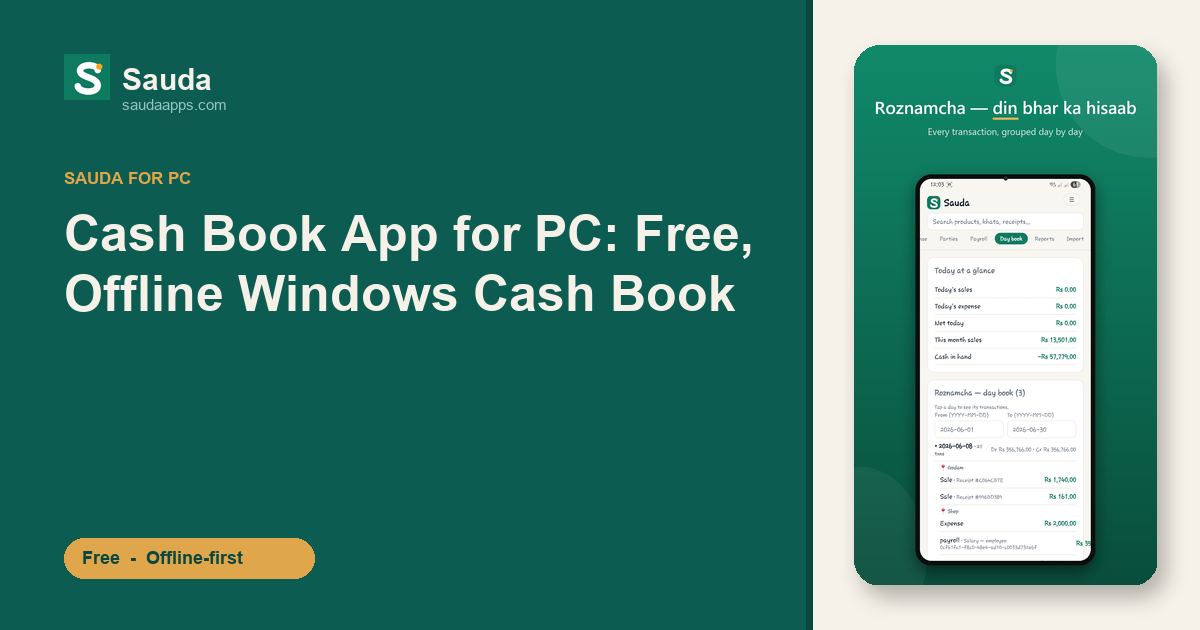
You bill from the same screen and keep each party's khata, so you always know who still owes you (lena) and who you still owe (dena). The roznamcha fills itself as the day goes, so there's no paper register to reconcile at closing. When the month feels tight, the profit and party reports tell you where the money actually went. Plug a real barcode scanner into the PC and it just works.
And the price is nothing. Sauda is free forever, no monthly subscription, no card, no trial that expires and locks your data. Your hisaab stays yours.
Offline first, because the bijli goes anyway
Load-shedding kills the power for the third time that afternoon. A cloud-only app? Blank screen, spinning wheel, and a customer standing right there with cash in hand. Sauda doesn't care. It saves everything on the PC itself, so you can bill, add udhaar, and check a party's balance with zero internet.
When a connection comes back, it syncs quietly in the background. Nothing to press. This matters more than it sounds, because the same khata data shows up on your phone too.
One khata, phone and PC together
Say you enter the day's sales on the shop computer in the evening. Next morning you're at the godam checking stock, phone in hand, and the same entries are already there. A customer calls asking his baaki, kitna reh gaya. You open the phone app and read it out without walking back to the counter.
That's the real reason a desktop cash book beats an emulator. Sauda runs as a proper Windows app and an Android app, and both stay in sync automatically. Set your prices on the big screen, take payments on the phone, and the books match. The interface is in Urdu and Roman-Urdu, "aap ko lena hai / dena hai" in plain language, with an English toggle if you prefer.
It also handles the heavier stuff underneath without bothering you: proper double-entry accounting, inventory across multiple shops and godams, low-stock and item-level expiry alerts, basic payroll, and separate logins for your manager, cashier, and accountant. Tax stays off unless you switch it on. Works whether you run a karyana, hardware, cloth, ya mobile shop.
If it saves you time, forward the free download to the dukandar next door on WhatsApp. That's how these things spread anyway.
Download Sauda free for Windows and get a real cash book app for PC, no emulator, no fees, and stop pretending a fake phone is your computer.