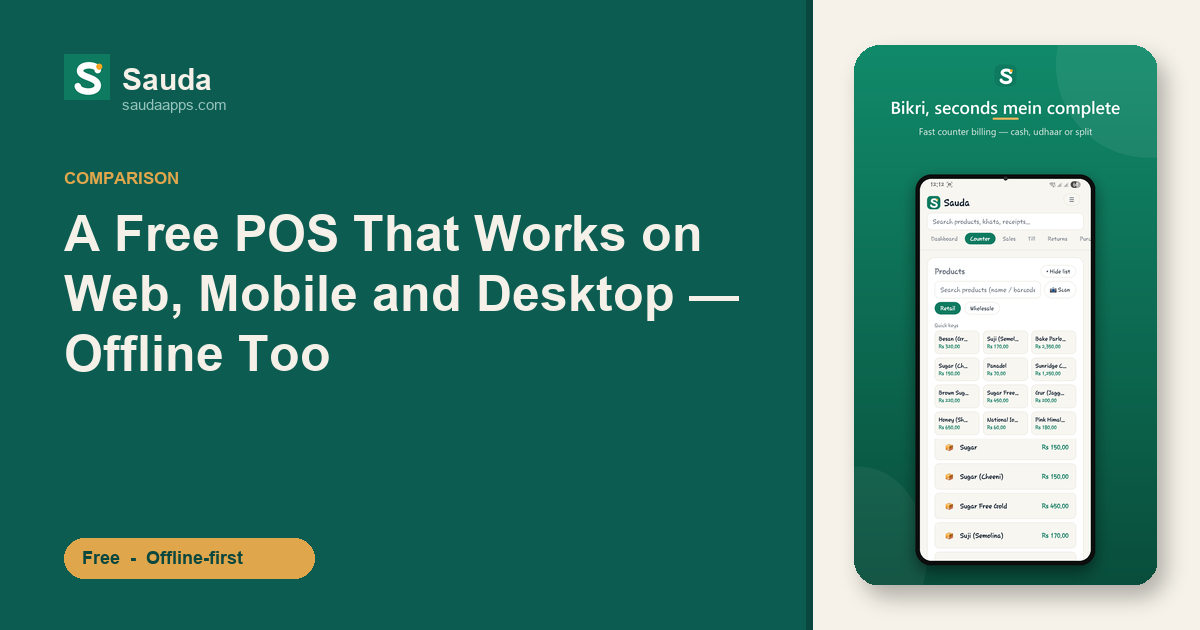
Search for "a POS that works on web, mobile and desktop" and you'll get a long list. But two details separate the real all-rounders from the rest — and most lists skip both:
- Is the desktop app a real installed program, or just the website opened in a browser?
- Does it keep working when the internet drops — or does the shop stop with it?
Sauda is built to pass both tests, on all three screens, for free.
What "all three platforms" should really mean
Plenty of POS apps say "works on desktop." Usually that means you open their website in Chrome on a laptop — fine, until the connection dies mid-sale. A native desktop app — one you actually install on the counter PC — keeps running on local data, with a keyboard, a big screen, a USB barcode scanner and a receipt printer, whether the net is up or not.
Sauda gives you a genuine Windows desktop app, an Android app, and a web app — one free account across all three, everything synced.
Sauda on each screen
- Mobile (Android) — the POS in your pocket. Ring up sales, scan barcodes with the camera, record udhaar at the counter or on delivery.
- Desktop (Windows) — a real offline-first app for the counter PC. Pair it with a scanner and a thermal printer for a proper till.
- Web — the back office in any browser: reports, imports and settings, from any laptop.
Sign in with the same number on all three and they share one set of books. Ring up a sale on the desktop and it's on your phone by the time you reach the back of the shop.
Offline-first, not offline-maybe
This is the part cloud POS systems can't match. In Sauda, every sale saves to the device first, then syncs when the connection returns. Load-shedding, a dead DSL line, a weak signal at a stall — none of it stops a sale. For a Pakistani shop, that isn't a nice-to-have; it's the difference between selling and standing still.
And it's the whole shop — free
"Works everywhere" would mean little if the app only did billing. Sauda runs the full shop, on every platform, at no cost:
- Khata / udhaar — a running ledger per customer and supplier, with WhatsApp payment reminders.
- WhatsApp receipts — share the parchi straight to the customer.
- Inventory & godam — stock across shops and warehouses, with low-stock and expiry alerts.
- Real double-entry accounting — roznamcha, profit and party statements, quietly correct underneath.
- Payroll & staff roles — owner, manager, cashier, accountant.
- Barcode with auto-generate, Excel import, and data export.
| Typical cloud POS | Sauda | |
|---|---|---|
| Web | ✅ | ✅ |
| Mobile | ✅ | ✅ (Android) |
| Desktop | Usually browser-only | ✅ real native Windows app |
| Works fully offline | Limited / no | ✅ every sale, then syncs |
| Price | Monthly subscription | Free, no card |
| Khata / udhaar + WhatsApp | Rare | ✅ built in |
Try it on your own counter
Install Sauda on the shop PC and your phone, add a few products, and make a sale with the Wi-Fi switched off. If it rings up, prints, and appears on your phone the moment you reconnect — that's the test most POS apps quietly fail.
FAQ
Does Sauda really run on desktop, or is it just the website?
It's a real, installable Windows desktop app that works offline — not a browser tab. There's also an Android app and a web app, all synced to one account.
Is it actually free?
Yes — free, with every feature on every platform. No subscription, no card, and no paid tier to "unlock" offline mode.
Does it work without internet?
Yes. Sauda is offline-first: sales, billing, stock and khata all work with no connection and sync automatically when you're back online.
Do the three platforms stay in sync?
Yes — one account, one set of books. The counter PC, the owner's phone and the back-office laptop always show the same numbers.
Download Sauda free — Windows, Android or web. One shop, three screens, no bills.