It's 6 pm at a hardware shop on Lahore's Brandreth Road. The counter PC is running, three customers are waiting, and the stock app you installed last week has frozen because it's actually an Android phone app squeezed through an emulator. The barcode scanner won't register. You end up writing the sale on a parchi and promising to "enter it later."
Later never comes cleanly. That's how the register and the real stock stop matching.
If you searched for inventory software free download for PC, most of what shows up on page one isn't desktop software at all. It's guides telling you to install BlueStacks or some other emulator, then run an APK meant for a phone. That's a bad idea in a busy dukan, and I'll explain why in a minute. First, the honest part.
Sauda is a real Windows app, not an emulator trick
Sauda has a proper Windows desktop version. You download it, it installs like any normal program, and it opens as its own window on the counter PC. No Android layer underneath, no phone screen stretched to fit a monitor. It uses your full keyboard, your mouse, and your USB barcode scanner the way desktop software is supposed to.
It's free. Free forever, no subscription, no card number, no "trial that expires." You're not renting your own hisaab back from anyone.
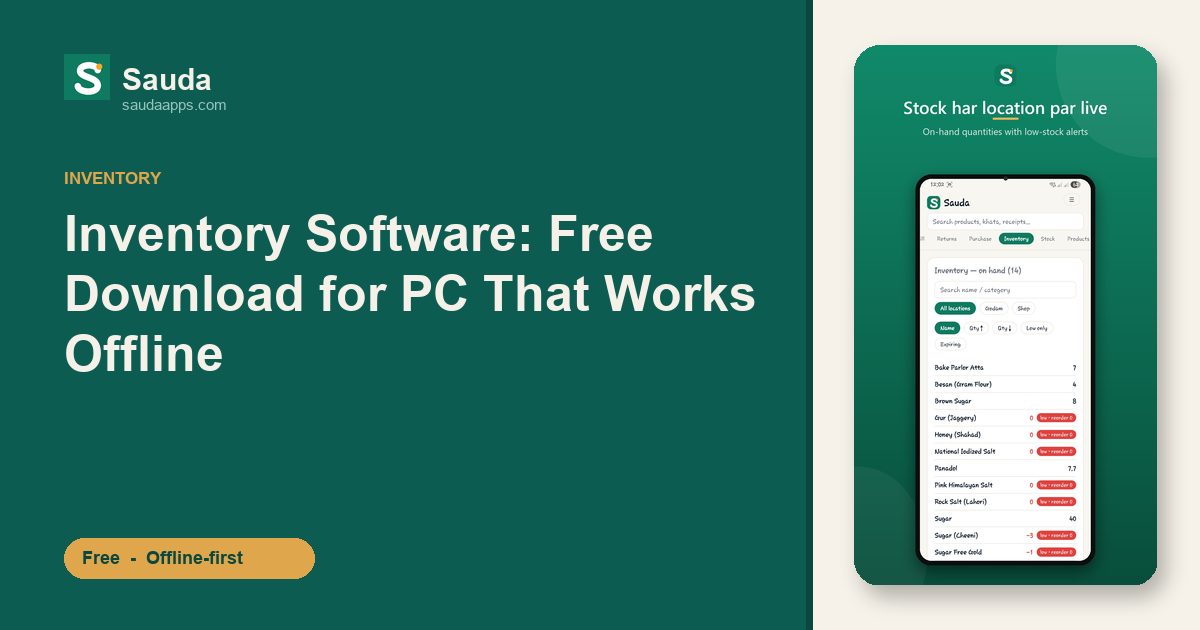
And it does the actual work of a shop, on the big screen: POS billing, khata and udhaar for every party (who owes you lena, who you owe dena), inventory across multiple shops and godams, low-stock and item-level expiry alerts, a proper roznamcha day book, profit and party reports, and barcode scanning with auto EAN-13 for items with no code. Double-entry accounting runs quietly underneath, so the numbers always add up.
The interface is in Urdu and Roman-Urdu, with an English toggle, so the cashier who reads "Aap ko lena hai" is looking at the same screen you understand.
Why free inventory software for PC shouldn't run through an emulator
An emulator is a fake Android phone running inside your PC. Even on a decent machine it's heavy and slow to open. A basic BlueStacks setup alone can eat most of the RAM on the Rs 40,000 counter PC most shops actually run, and it stutters exactly when you're busiest.
Worse, an emulated phone app doesn't talk to your hardware properly. Your USB barcode scanner, your thermal receipt printer, the number pad your cashier flies through: most of that fights the emulator instead of just working. You lose the one thing a desktop is good for: speed at the counter.
There's a data risk too. Books tucked inside an emulator's hidden storage are a headache to back up or move to a new PC. Real accounts shouldn't sit trapped in a fake phone.
Sauda skips all of that. It's built for the PC from the start.
Fully offline, and it syncs with your phone on its own
Load-shedding hits, the internet drops, the PTCL line is acting up again. None of that stops a sale in Sauda. The desktop app works completely offline. Every bill, every udhaar entry, every stock movement saves right there on the PC the moment you enter it, no spinner waiting for a server.
When the connection comes back, it syncs with your phone on its own. Bill on the counter PC all day, and your stock and khata are already updated on your phone by the time you leave. Your accountant can open the web version from home and see the same roznamcha. One set of numbers, three screens, and nobody types anything twice.
Picture a wholesaler with a shop in Faisalabad's cloth market and a godam two streets over. The godam-keeper updates stock from his phone. The counter runs the desktop app. Both stay in step without anyone shouting quantities over the phone.
One more thing, since this runs your accounts: tax stays off by default. There are optional sales-tax fields if you ever need them, but nothing about tax clutters your selling screen unless you switch it on.
Download Sauda free for your PC
Stop trying to force a phone app through an emulator. Get the real thing.
Download Sauda free for Windows and run your dukan's inventory, billing, and khata on the counter PC. Fast at the counter, offline when the line drops, already synced to your phone by the time you lock up.
No fee, no card, and your data stays yours.